

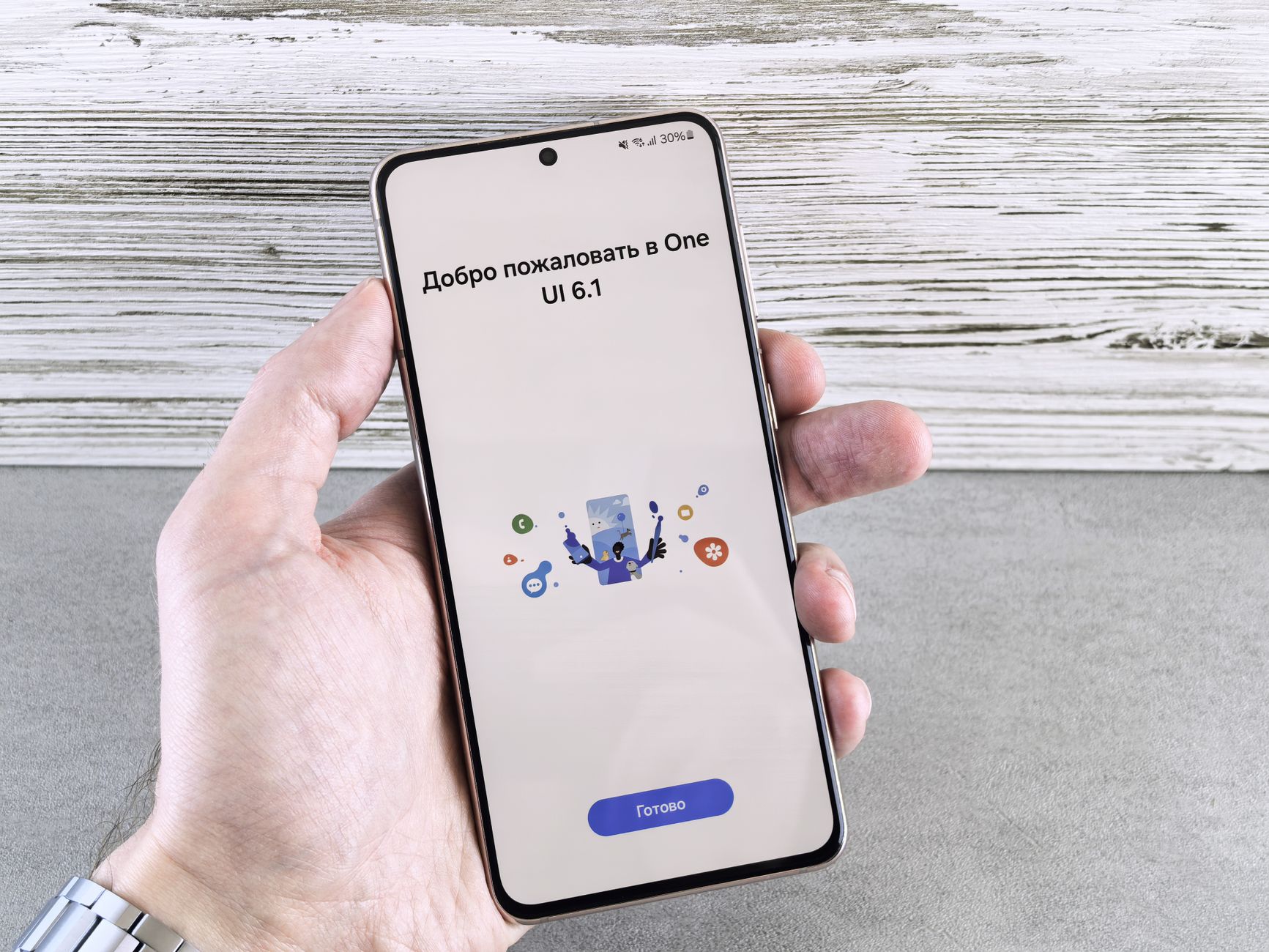
Samsung One UI 9 rollout has begun for the Galaxy S26 Series. In this article, we will guide you on how to check if your device is eligible for the latest update.
What is Samsung One UI 9?
Samsung One UI 9 is the latest iteration of Samsung’s custom software interface designed for its Galaxy devices. This new version brings a host of enhancements aimed at improving user experience and device performance. With a focus on personalization and ease of use, Samsung One UI 9 introduces innovative features that cater to diverse user needs.
One of the key aspects of Samsung One UI 9 is its refined aesthetics. The interface is designed to be more intuitive, making navigation smoother and more enjoyable. Users will notice a more cohesive look and feel across applications, enhancing the overall experience.
In addition to visual improvements, Samsung One UI 9 incorporates several functional upgrades. These include:
- Improved multitasking: Users can now run multiple apps simultaneously with better efficiency.
- Enhanced privacy features: New controls allow users to manage their data more effectively.
- Customizable widgets: Widgets can now be tailored to fit individual preferences, allowing for a more personalized home screen.
The rollout of Samsung One UI 9 has already begun for select devices, particularly the Galaxy S26 Series. As users eagerly await the upgrade, it’s essential to stay informed about how to check if their device is eligible for the latest features.
How to check for One UI 9 update
As the Samsung One UI 9 rollout begins, many users are eager to find out if their devices are eligible for the update. Checking for the latest software version is a straightforward process, and here are the steps to guide you through it.
- Open Settings: Locate and tap the Settings icon on your device’s home screen or app drawer.
- Software Update: Scroll down and select Software update from the list of options.
- Download and Install: Tap on Download and install to check for available updates. Your device will search for the latest software version.
- Follow Prompts: If an update is available, follow the on-screen instructions to download and install Samsung One UI 9. Ensure your device is connected to Wi-Fi and has sufficient battery life before proceeding.
After the installation, your device will reboot, and you’ll be greeted with the new features and enhancements that come with Samsung One UI 9. If you do not see the update immediately, don’t worry, as the rollout is gradual and may take some time to reach all devices.
Benefits of One UI 9 for Galaxy S26
The Samsung One UI 9 rollout brings a host of exciting features and improvements specifically designed for the Galaxy S26 series. Users can expect a more refined experience that enhances both performance and usability.
Some of the key benefits of One UI 9 for Galaxy S26 include:
- Improved Customization: One UI 9 offers more options for personalizing the interface, allowing users to tailor their devices to better reflect their style.
- Enhanced Battery Management: The update includes smarter battery management features that optimize power usage, helping to extend battery life throughout the day.
- Streamlined Navigation: Users will experience a more intuitive navigation system, making it easier to access apps and settings quickly.
- Enhanced Security Features: One UI 9 improves security protocols, ensuring that user data is better protected against potential threats.
- New Camera Features: The update introduces advanced camera functionalities, including improved low-light performance and new shooting modes to elevate photography experiences.
These enhancements make Samsung One UI 9 a significant upgrade for Galaxy S26 users, providing a more efficient and enjoyable smartphone experience.
Common issues during the rollout
The rollout of Samsung One UI 9 has generated excitement among Galaxy S26 users, but some common issues may arise during the update process. Understanding these challenges can help users navigate the transition more smoothly.
- Slow Update Availability: Many users report that updates may not appear immediately. This is often due to the staggered rollout approach Samsung employs, which can vary by region and carrier.
- Device Compatibility: Not all devices in the Galaxy S26 series may be eligible for the One UI 9 update at the same time. Users should verify their specific model’s compatibility.
- Insufficient Storage: The update requires adequate storage space to install. Users should check their device’s storage capacity and free up space if necessary.
- Connectivity Issues: A stable internet connection is essential for downloading the update. Poor Wi-Fi or mobile data connectivity can lead to failed downloads.
- Post-Update Bugs: After installation, some users may encounter bugs or performance issues. It is advisable to report these problems to Samsung support for resolution.
By being aware of these common issues during the Samsung One UI 9 rollout, Galaxy S26 users can better prepare for a smoother update experience.
The Samsung One UI 9 rollout is expected to bring a host of new features and enhancements to eligible devices. To stay updated on the progress of the Samsung One UI 9 rollout for your specific model, follow these easy steps.
Photo by Andrey Matveev on Pexels
References
Related reading
Is Rescue Drone Simulator the Best New Game of 2023? · TabPFN-3.5 model: The Best Proven AI Breakthrough · China Satellite Launch: Proven Steps to Space Innovation
